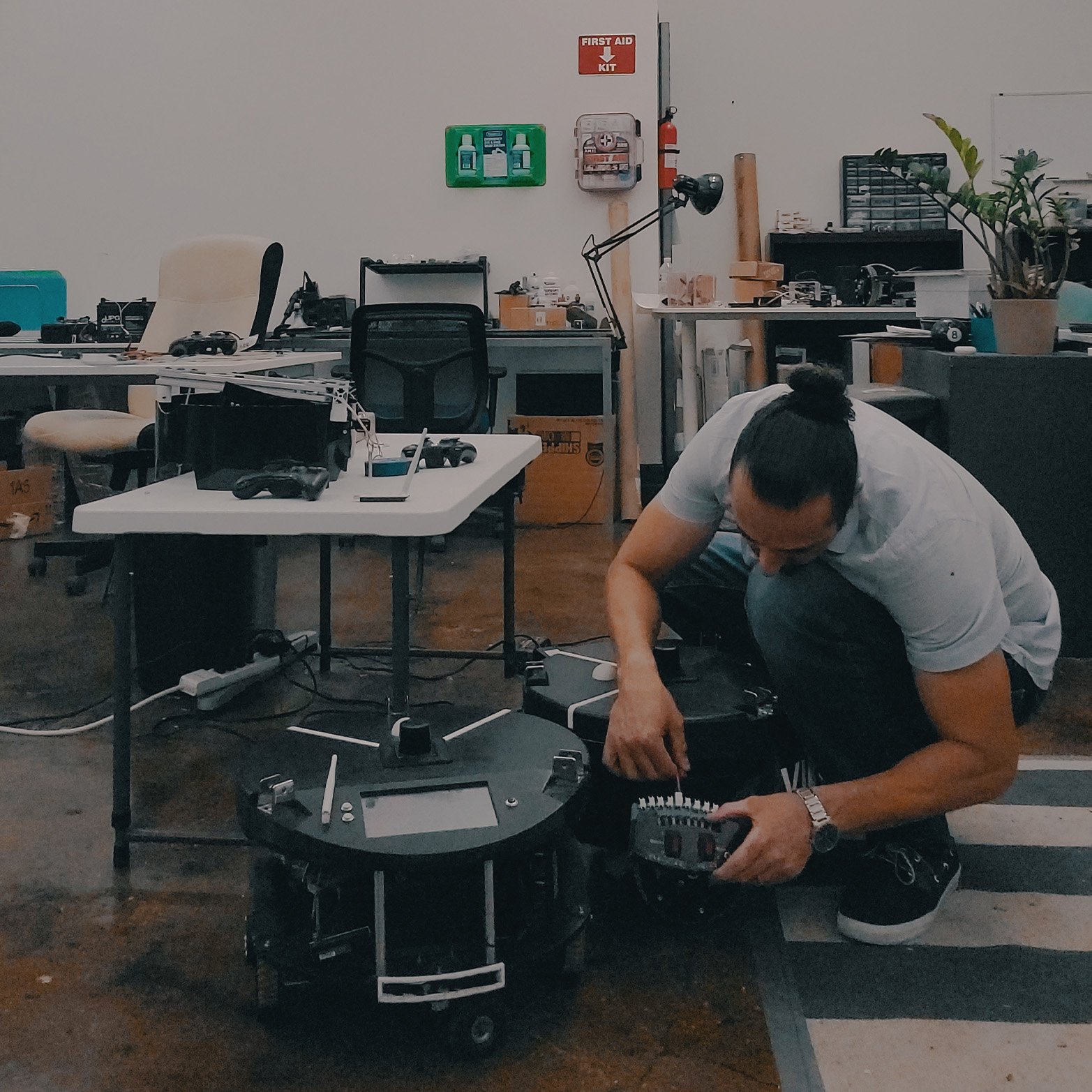
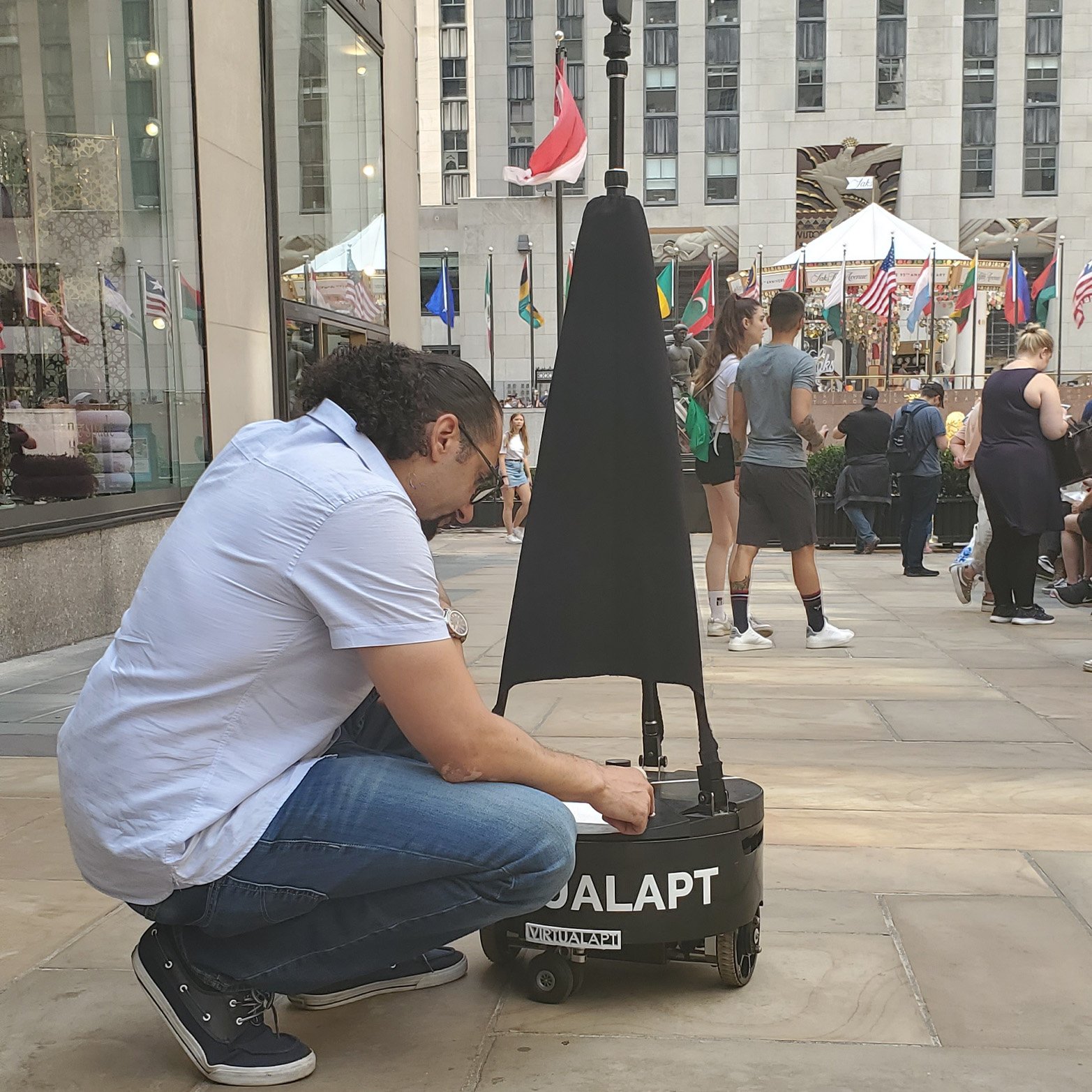
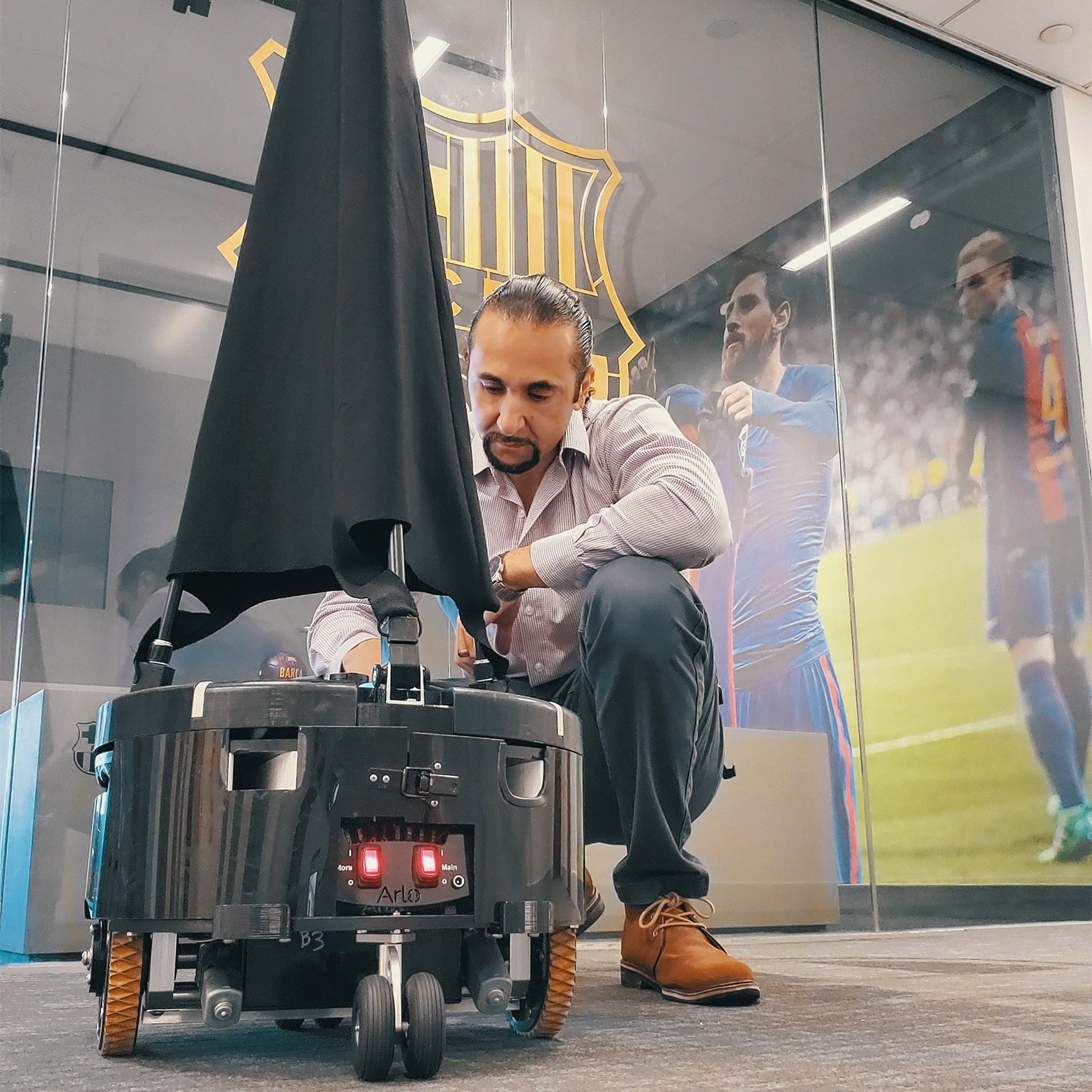
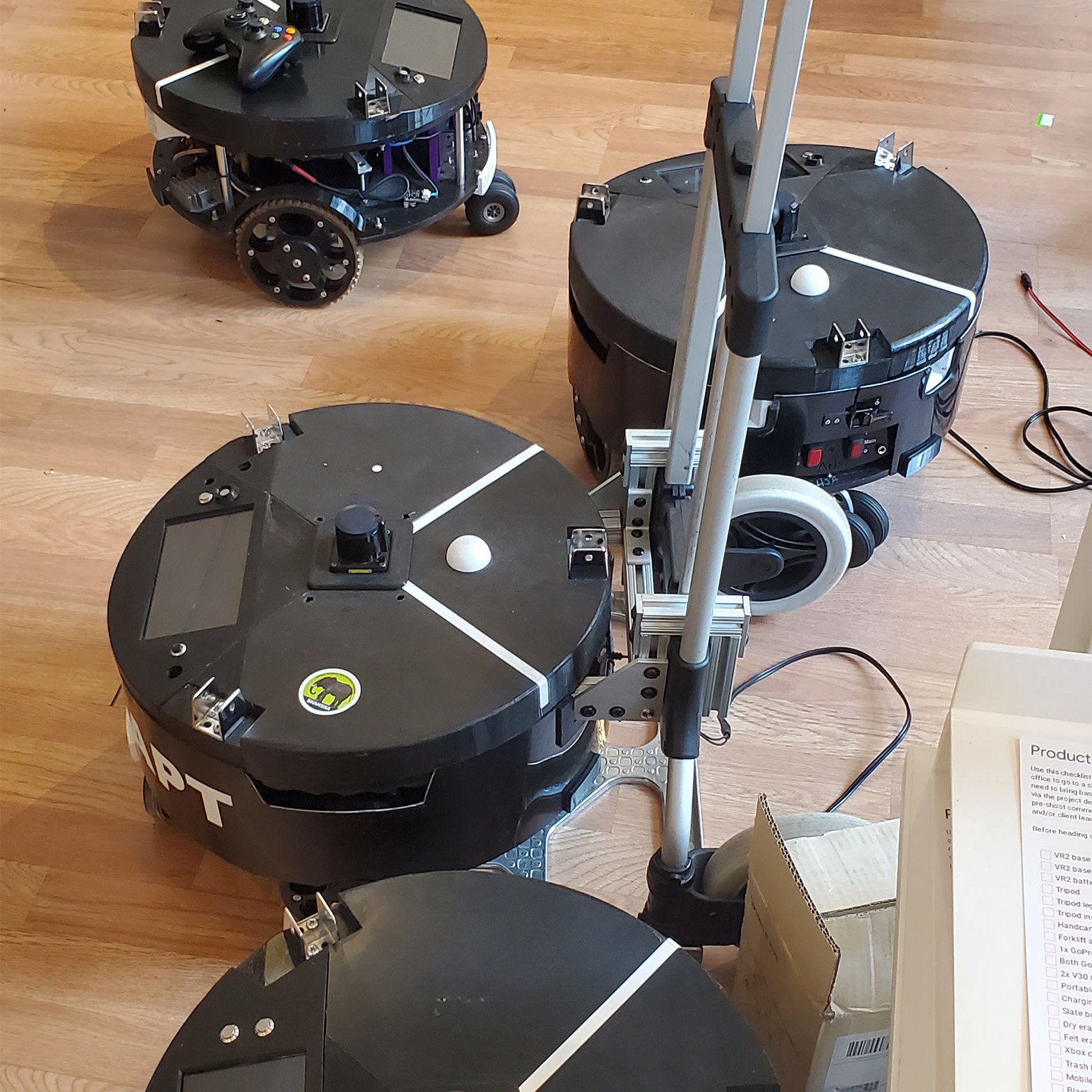
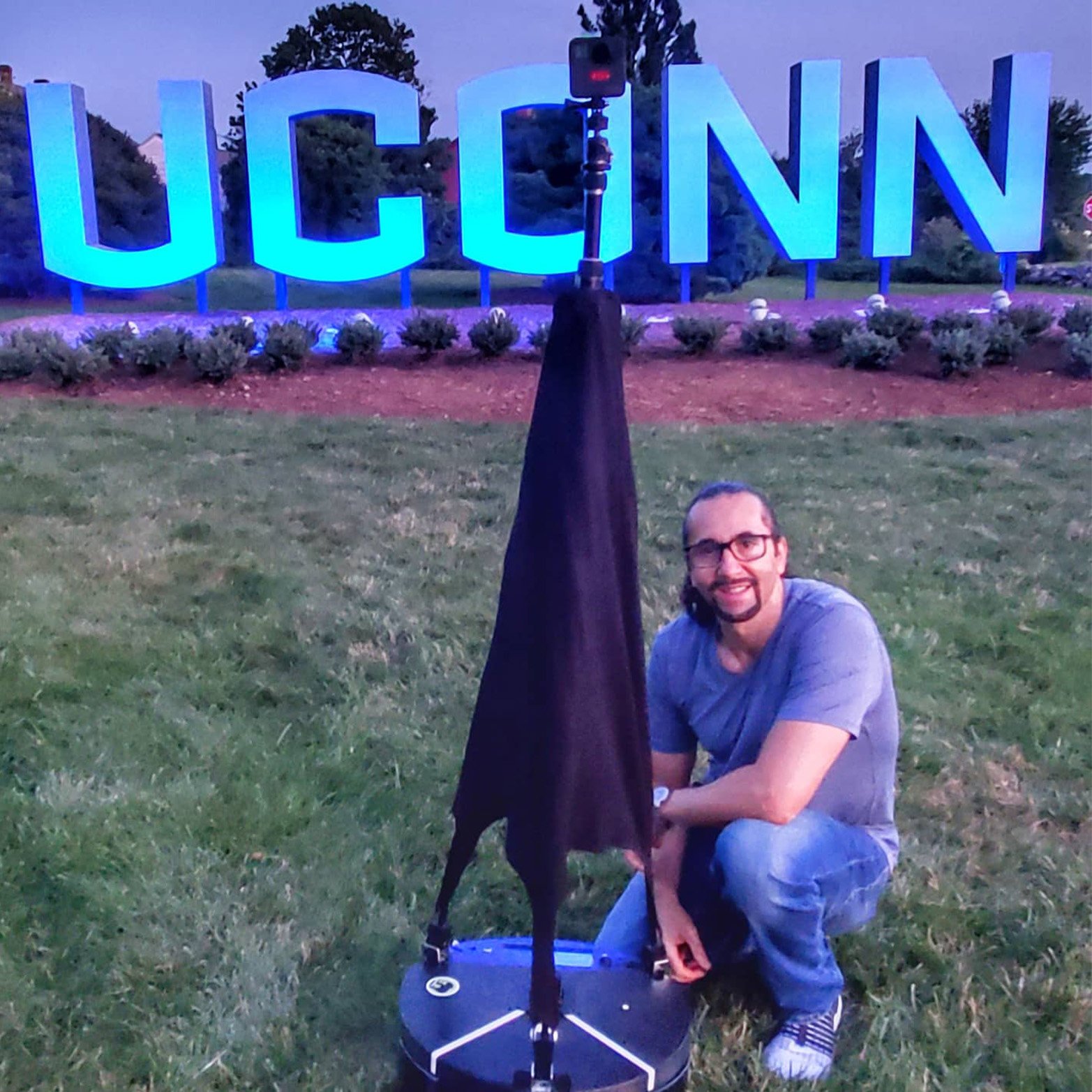
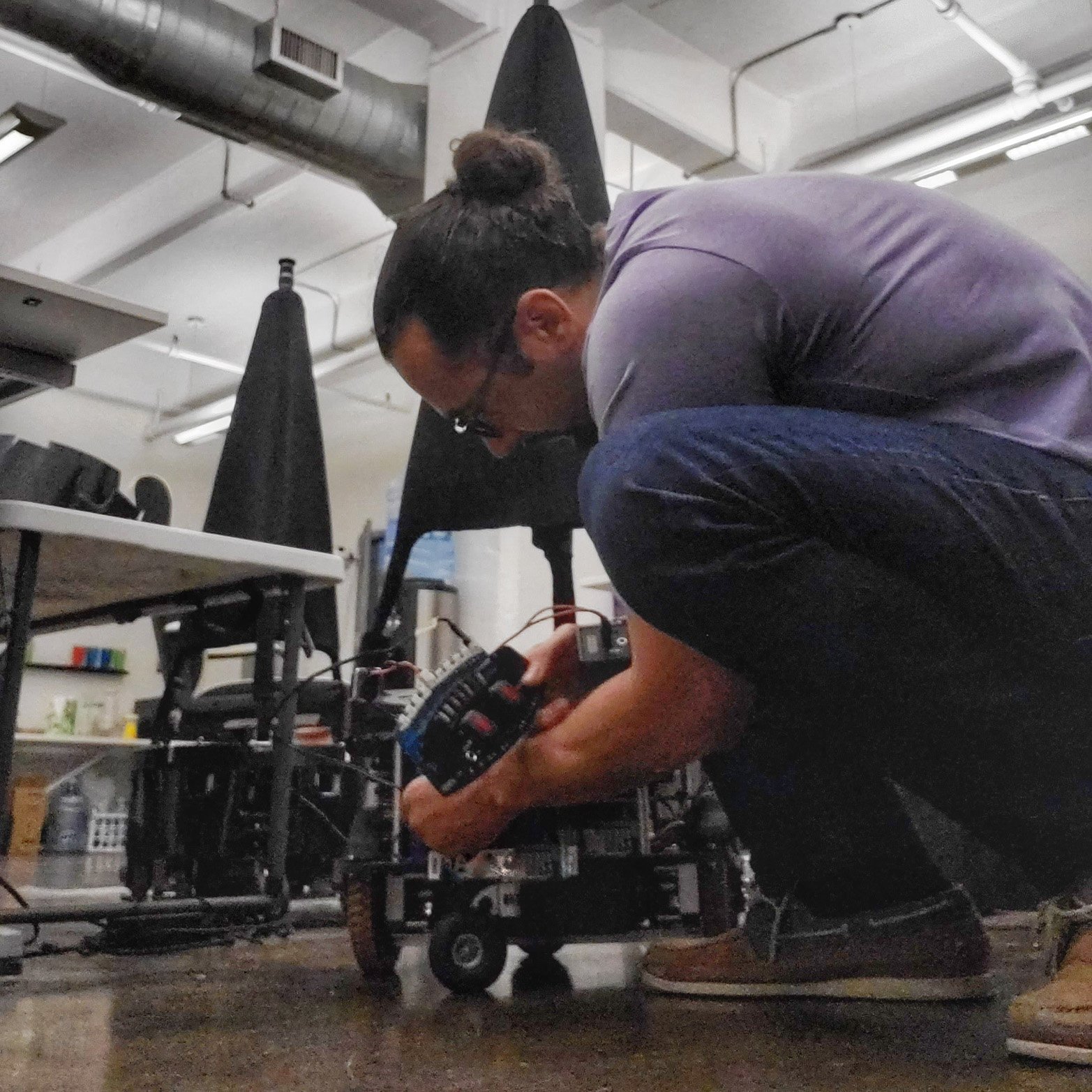
Filming and editing over 100 VR tours across various states was a journey filled with meticulous planning, cutting-edge technology, and creative problem-solving. The process began with pre-production, where I initiated consultations with clients from diverse sectors, including real estate, hospitality, retail, education, and entertainment. Each consultation was crucial for creating detailed shot lists tailored to capture the unique essence of each location.
Carefully packing the robot and camera equipment for transport was the next step. Ensuring the LIDAR system was handled with care and well-protected was paramount. I adhered strictly to FAA/TSA requirements for SLA/AGM and LiPo batteries to ensure safe travel and compliance, which involved a lot of careful planning and attention to detail.
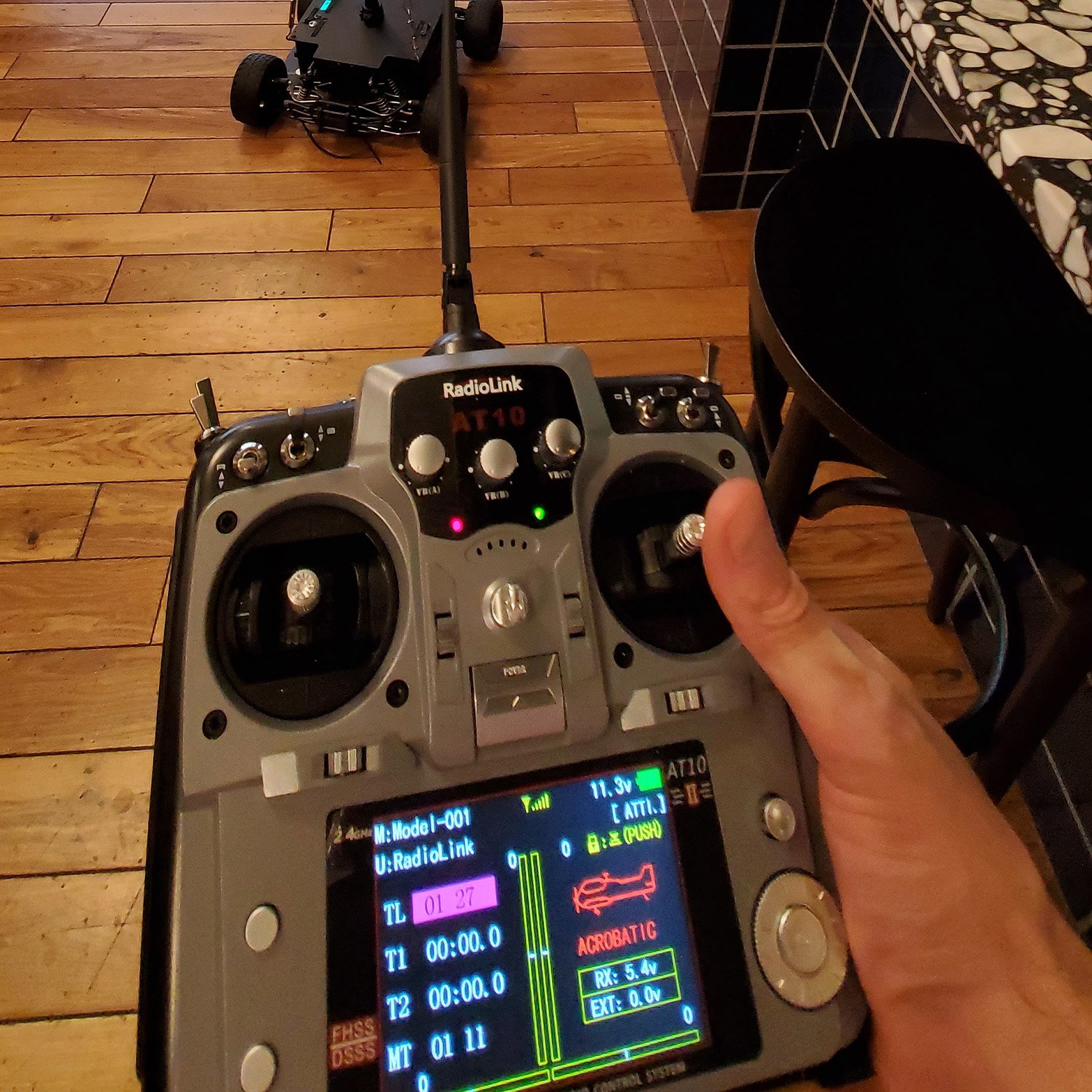
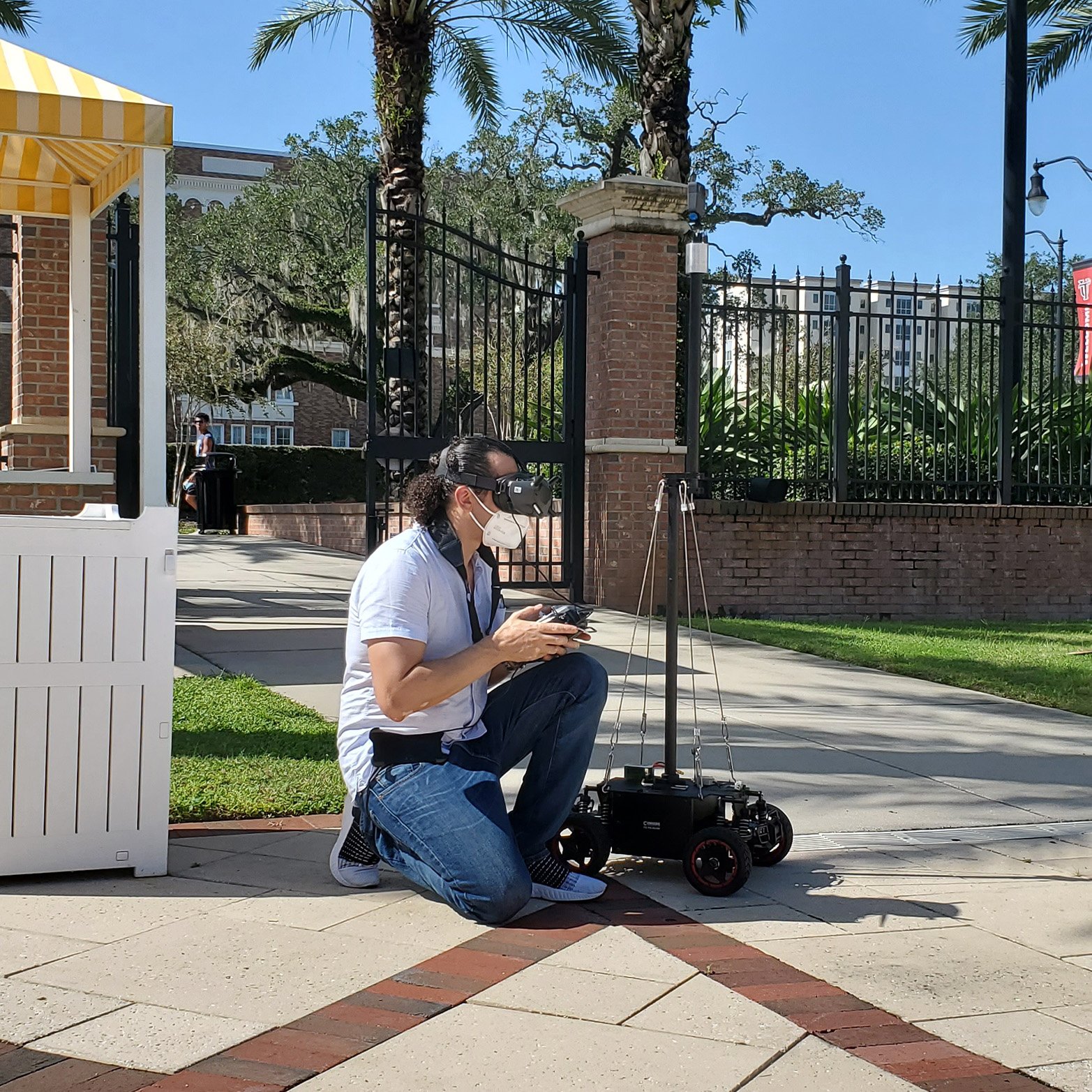
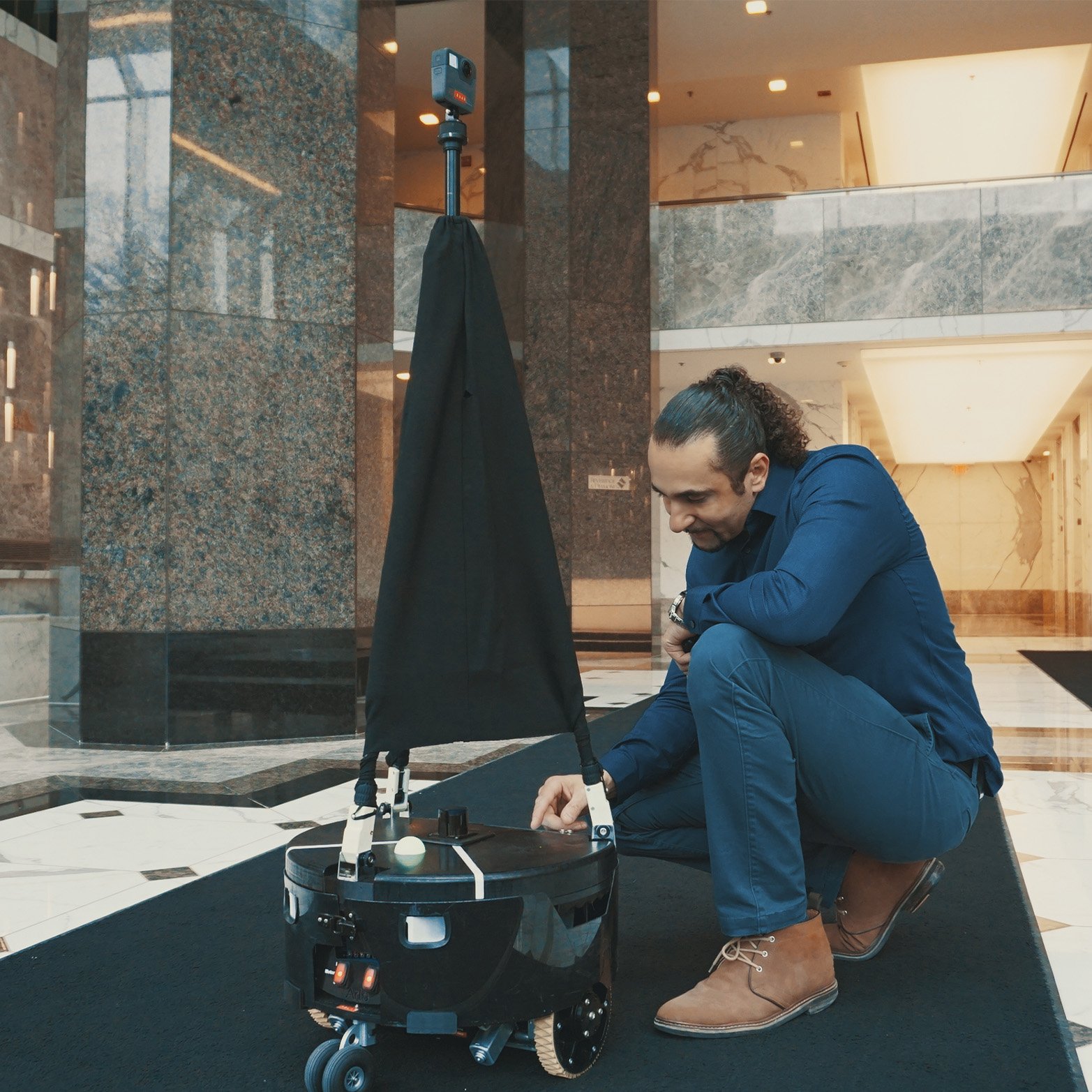
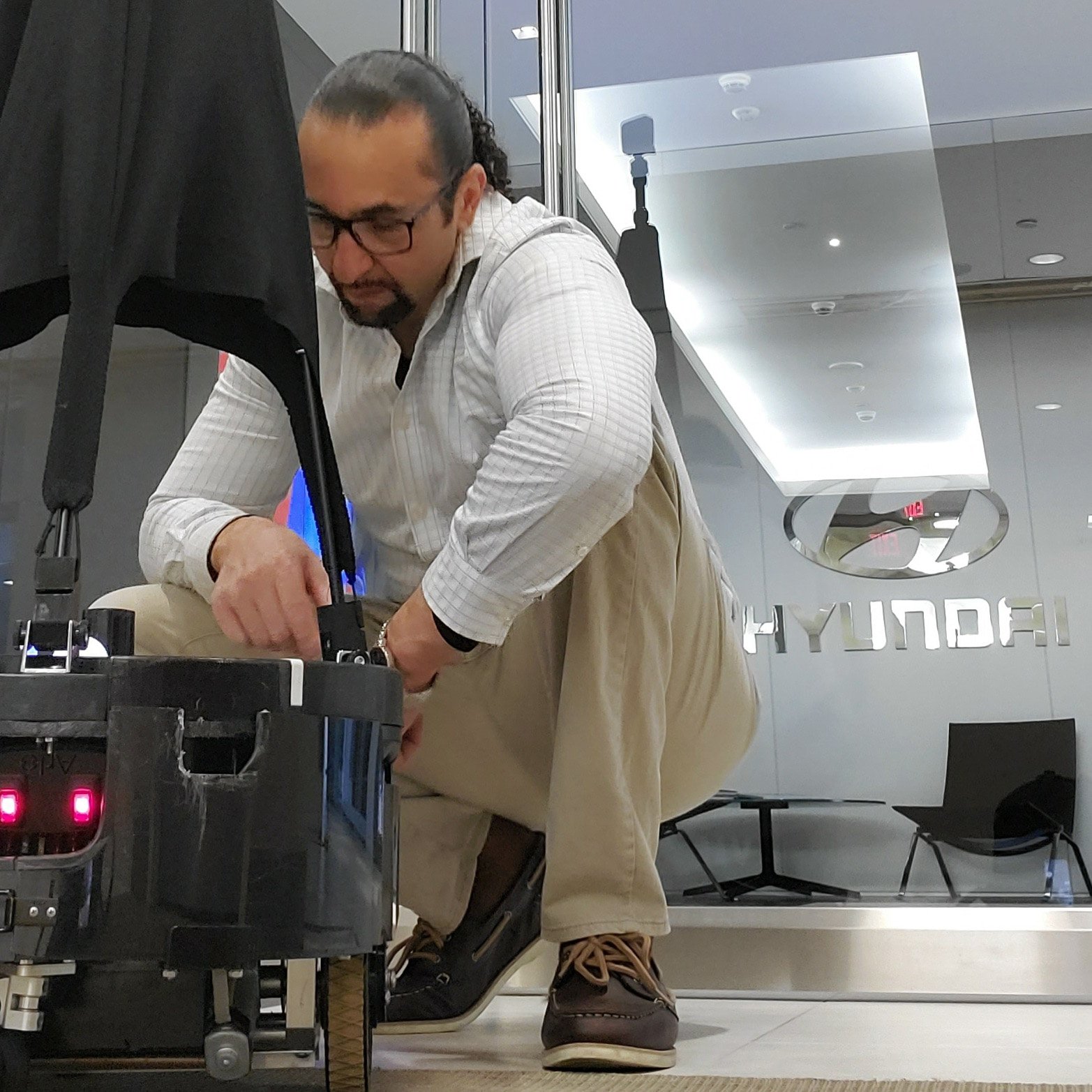
Upon arriving at each location, the production phase began. I used LIDAR to map out precise paths, defining starting, ending, and intermediary points for the robot to follow. Setting up the GoPro Fusion camera with ideal settings for both monoscopic and stereoscopic capture was essential, and I made sure the camera lenses were spotless to achieve clear, high-quality footage. Utilizing the GoPro app, I could start and stop the camera discreetly, avoiding any interference with the field of view. Activating the robot, I captured comprehensive 360° footage, covering all necessary areas of the campuses.
Back in the studio, the post-production process commenced. Using GoPro Fusion Studio, I stitched the equirectangular footage to create seamless 360° views. To ensure smooth and efficient editing, I generated proxies to prevent overloading the computer’s processor. Each piece of footage was meticulously reviewed to identify any issues that might require a re-shoot, ensuring the highest quality results.
Assembling the virtual tours involved a mix of tracking and static shots. I added consistent panning to the static shots to keep the videos engaging. HDR imaging was done using Photoshop, where I combined exposures to balance levels in windows and interiors. Removing the robot’s shadows and reflections from static shots was achieved with the content-aware fill plugin in Photoshop, while tracking shots required the use of After Effects or VR Mocha. I also addressed banding caused by flickering LEDs, applying techniques to eliminate this visual artifact.
Color correction was performed to ensure consistent and accurate colors throughout the footage. Nadirs were placed at the bottom of the video view to cover the robot and any stitching issues that might have appeared near them. Audio mixing involved using tools like denoiser, equalizer, de-esser, compressor, limiter, and reverb to achieve clear and balanced sound.
Quality control was a critical step, where I watched each video at least twice—first in equirectangular view mode and then with VR display enabled. Finally, the videos were exported in H264 format at maximum bitrate to ensure high-quality output.
To enhance viewer engagement, I used KRpano software to add interactive splash pages and menus, allowing viewers to explore different videos, images, floor plans, and accessibility options. The tours were further enriched with clickable elements for navigating between floors, providing additional building information, and including calls to action for user engagement.
Through this comprehensive process, I was able to produce dozens of immersive VR tours, each showcasing the unique features of various locations and setting new standards in virtual walkthroughs.
Click HERE to see examples of how these VR tours bring various environments to life like never before.